A quiet countryside stay
Cottage welcome book template
A cottage guide with parking directions, house instructions and a short check-out list to adapt for your own rental.
View templateCHOOSE A STARTING POINT
Choose a cottage, city apartment or coastal cabin template for your Airbnb or other vacation rental. Preview the sample, then edit a free browser draft. An annual plan is required to publish or export a PDF.
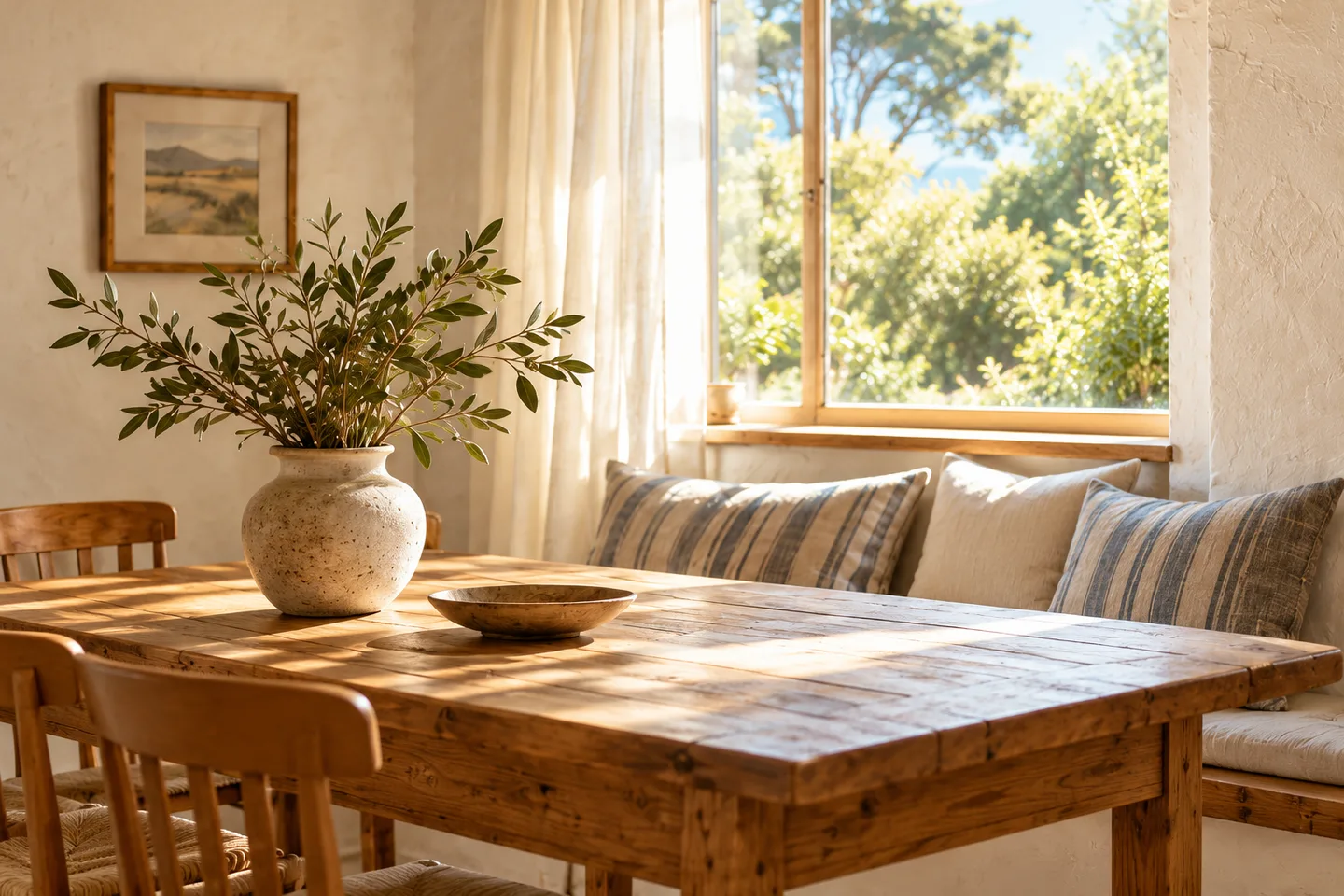
A cottage guide with parking directions, house instructions and a short check-out list to adapt for your own rental.
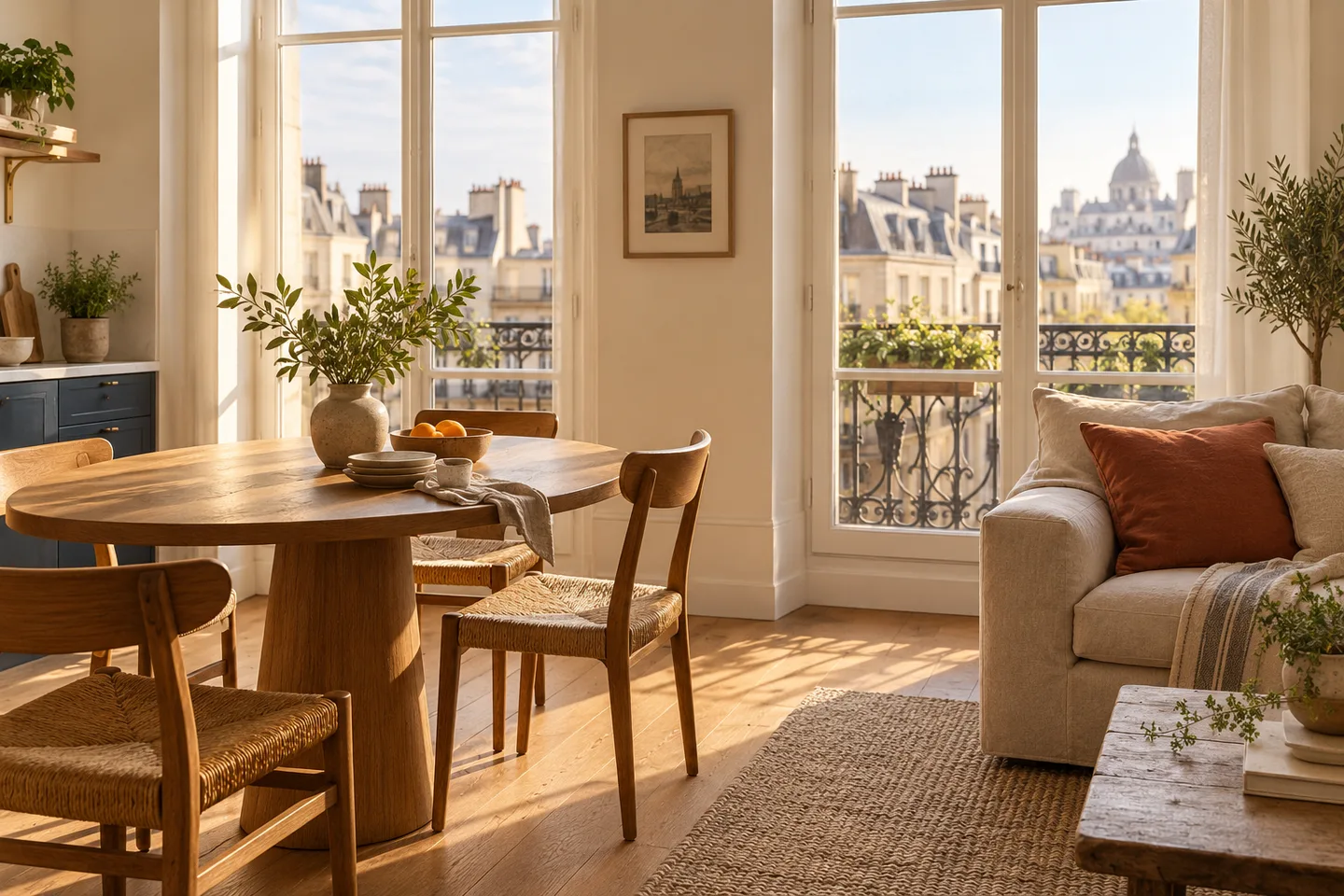
View templateAn apartment guide with entrance directions, shared-hallway reminders and house instructions for a city stay.
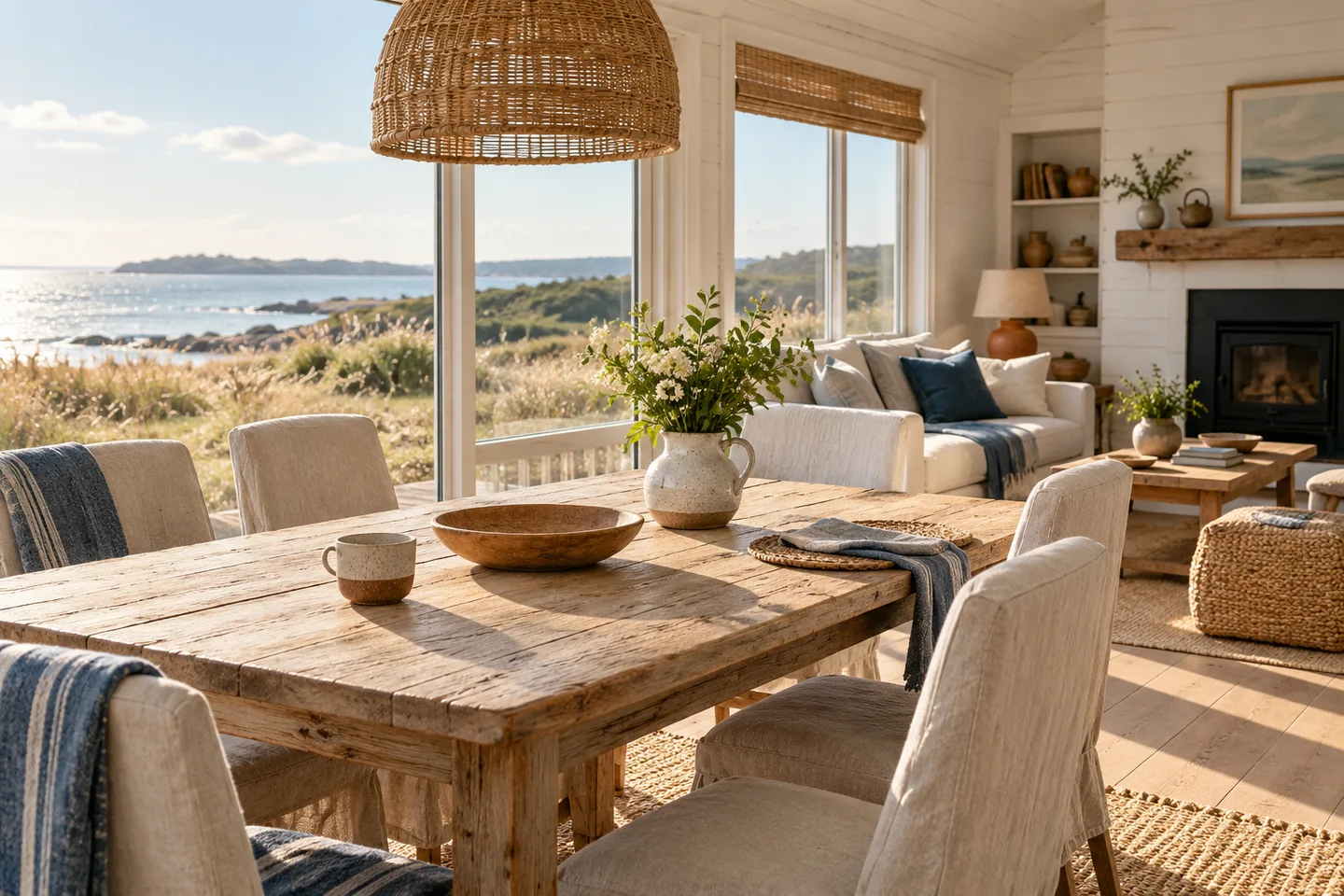
View templateA coastal cabin guide with parking notes, space for beach gear and a short departure checklist.
View templateThese templates contain fictional property details and generated photos. Check every instruction before using it. Send door and lockbox codes through your private booking or arrival messages.
Use these articles to write arrival directions, house notes and a short check-out list.
Work through the details guests need, from finding the property to checking out.
Use the welcome book checklistAdapt a step-by-step structure for directions, parking and finding the right entrance.
Read the arrival instructions templateWrite a short list that reflects the arrangements guests already know.
Prepare a check-out checklistThese editable templates provide a structure for a guest guide, rather than a finished set of instructions for your rental. You can also use this outline when preparing an Airbnb house manual or holiday let information folder. Keep only the sections that apply, and replace all fictional details.
You can customize and preview a browser draft for free without signing in. Its downloadable JSON text backup restores an editor draft; it is not a printable PDF or a Word or Canva template. To publish a guest link or export an A4 or Letter PDF, create an account guide and choose an annual plan. Browser drafts do not automatically transfer into an account.
Choose a template or a blank draft, then add the details that matter at your property.
Create your guide